
How to prepare artwork for screen printing, from file setup to final export
Your file is the first decision that shapes how a screen-printed design turns out. The format, the resolution, the colors, and the way your fonts are set up all affect the final print before it ever reaches a press.
We put together the questions we hear most about how to prepare artwork for screen printing, from designers and creative directors getting ready to print. Here's what to know before you send us your file.
Screen Printing File Requirements
What file type do I need for screen printing?
Vector files work best: AI, EPS, SVG, and PDF. We can scale vector files up or down without losing resolution, which gives you the highest production quality. Most print shops, including ours, can also work with raster files. A layered PSD or a high-quality PNG or JPG works fine if the studio's art department can prep it properly.
Does my logo need to be vector for screen printing?
Not always. Vector artwork gives the cleanest result and makes it easier to separate colors correctly, but a high-quality raster image works too if that's what you have. Send us the best file you've got before running it through an online file converter.
Is a PNG good enough for screen printing?
Sometimes. If a vector or PSD file isn't available, a high-quality JPG or PNG can work. Aim for at least 300 DPI, provided at the size you want it printed.
What resolution does artwork need to be for screen printing?
If you're sending a JPG or PNG, it should be at least 300 DPI at the size it will be printed. If you're sending a PSD, send it at the size you want it printed, not scaled up afterward.
Will my artwork look blurry when screen printed?
No. Screen printing uses stencils with hard edges, so it doesn't produce blurry prints by nature. Low-resolution artwork can come out jagged or pixelated instead, which is why we recommend vector files or high-resolution raster images (JPG or PNG).
Do I need to outline fonts before sending artwork?
Yes. Outlining your fonts prevents font substitution issues and makes sure the design prints exactly as you intended it.
Details That Affect the Print
What is the minimum line thickness for screen printing?
This depends on the material and ink color, but aim for a thickness of no less than 0.5 pt. We can sometimes go thinner if your design calls for it. Your project coordinator will let you know if any adjustments are needed.
How small can text be on a screen-printed shirt?
Aim for text no smaller than 6 pt. Some fabrics, like coarse canvas tote bags, can't hold that level of detail, so you may need a bolder font or an outline stroke to keep the text legible in print.
Color and Detail
Do I need Pantone colors for screen printing?
No, but Pantone spot colors help when color accuracy matters. If you have access to a Pantone Formula Guide, use it to select your colors, since that's the guide built specifically for print and it's what we use to mix ink. If you already have a Pantone number picked out, just let us know and we'll match the inks to it.
If you don't have access to a guide, send us your artwork and we'll match it to the nearest Formula Guide color so we can replicate the print if you reorder.
What is a spot color in screen printing?
A spot color is a specific ink color used as its own color in the print, rather than blended from CMYK. Each spot color gets its own screen (the stencil that applies that color), which is what allows screen printing to produce solid, vibrant colors.
Can screen printing handle gradients or photos?
Yes, though not always with standard spot-color printing. Designs with a lot of colors, gradients, or photo-like detail may need simulated spot process or CMYK printing instead. Screen printing is as much an art as a science, so your print should look close to the original artwork, with small differences possible depending on the garment material, product color, and other factors.
What are halftones in screen printing?
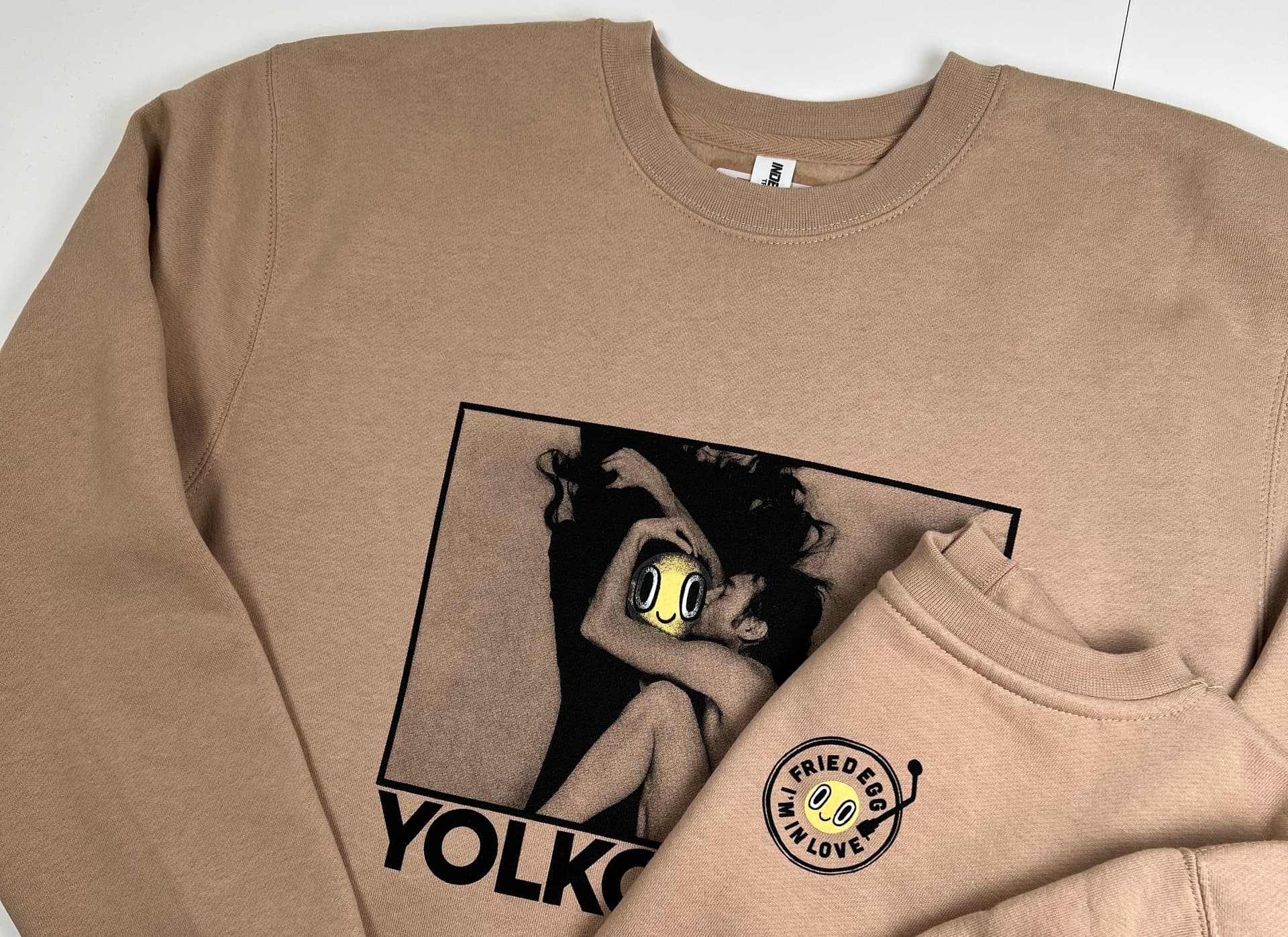
Halftones are tiny dots that create the appearance of gradients, shading, or photo-like detail. Since screen printing uses a solid stencil for each color rather than an inkjet print head, halftones are what make detailed prints possible while keeping colors vibrant.
Working With Your Print Shop
What should I send my screen printer before getting a quote?
Send the artwork file, intended print size, garment or product type, placement, quantity, and any color information like Pantone colors if you have them. If you're unsure on dimensions, we can help confirm those before production.
Can a screen printer fix my artwork?
Most of the time. If you're unsure about your file, send it over and we'll check whether it meets our requirements.
Why did my screen printer ask for a different file?
Usually because the file isn't production-ready. It might not be vector, might be too low resolution, might use RGB color instead of CMYK or Pantone, might have live (non-outlined) fonts, or might not be built at the size it'll actually be printed.
How do I make sure my shirt design prints clearly?
Send vector artwork when possible, outline your fonts, use CMYK or Pantone spot colors, skip online file converters, and provide the artwork at the actual size you want it printed. If a JPG or PNG is all you have, make sure it's at least 300 DPI at print size.
Exporting From Design Apps
How do I export my design from Canva for screen printing?
Click the Share icon in the top right, then Download, then choose PNG. Export at the largest size available, and keep a transparent background if your design needs one. Send us that PNG. If you have a Canva Pro account, export an SVG instead, which is a vector format.
How do I export my design from Procreate for screen printing?
Go to Actions (the wrench icon), then Share, then PSD, and choose Layered so we receive a layered file for separating colors. Send us that PSD.
Send Us What You Have
You don't need a perfect file to start. If you're unsure whether your artwork is ready, send it our way and we'll tell you plainly what works, what needs a small adjustment, and what we'd recommend instead.
Screen printing is as much an art as a science, and we treat every file that lands in our inbox that way.
Have a project in mind? Reach out to our Portland studio and we'll help you get your artwork print-ready.


